Why Use a JPG Compressor? (Balancing File Size and Image Quality)
JPEG is the most widely used image format for digital photography. A dedicated JPG compressor allows you to shrink hefty camera photos and mobile captures into lightweight web images while preserving sharp detail and accurate color reproduction.
Compress single photos or several JPEG files in your browser. Adjust quality and compare the output: JPEG re-encoding can change detail, so keep your original and inspect the result before downloading.
How JPG Compression Works (DCT Quantization & Compression Levels)
JPG compression works through Discrete Cosine Transform (DCT) and quantization, discarding high-frequency color variations that the human eye cannot distinguish. Higher compression levels yield smaller files but may introduce subtle compression artifacts.
Inspect the live side-by-side preview to verify fine gradients and portrait details before saving. All processing runs entirely on your device with local image processing.
How to Compress JPG Online in 4 Easy Steps
- 1Choose one or more JPG / JPEG images. A single image starts automatically; start a batch with the compression button.
- 2Adjust the quality setting and compare the before/after view.
- 3Check the actual bytes and pixel dimensions. If a form has a fixed KB limit, use the target-size tool.
- 4Download your preferred result or a ZIP of successful files.
A practical JPG / JPEG comparison
Inspect hair, small text and the boundary between a bright sky and a dark building. A setting that looks fine on one photo can visibly damage another.
Match the tool to the requirement
A quality setting, a pixel width and a KB limit solve different tasks.
Key Benefits
- JPG / JPEG output selected
- Before/after image comparison
- Actual file-size changes, including no saving
- Batch results and ZIP downloads
Frequently Asked Questions
Read the full guide
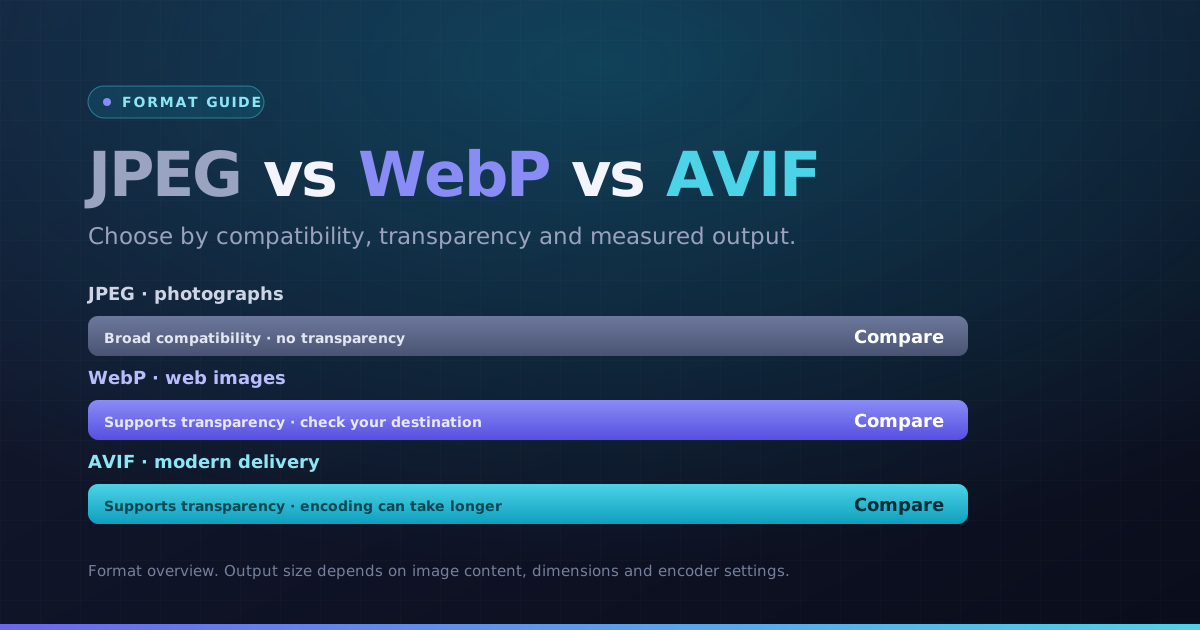 Formats · 3 min readWebP vs AVIF vs JPEG: Choose by Image and DestinationChoose a format for the actual photo, graphic and destination. Compare bytes and visible detail instead of assuming the newest format always wins.Updated October 8, 2026
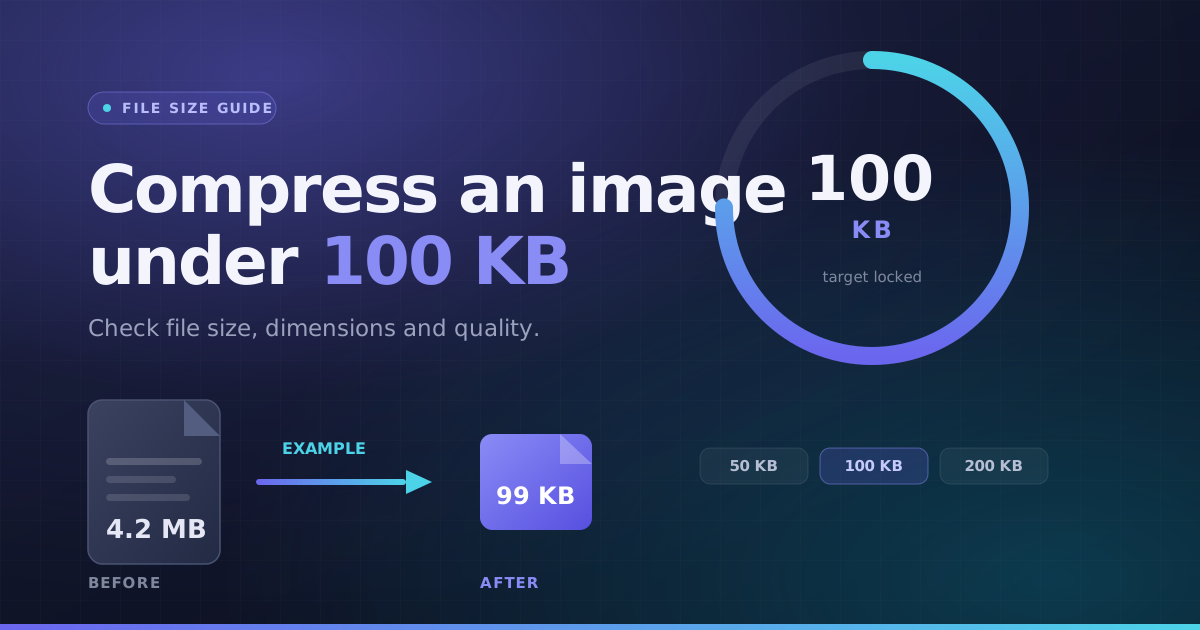 File Size · 3 min readHow to Compress an Image Under 100KBA practical way to handle a photo-size limit: check the full requirements, choose a suitable format, then inspect the actual output instead of guessing.Updated October 8, 2026