Why Convert PNG to AVIF? (Modern High-Efficiency Alpha Channel)
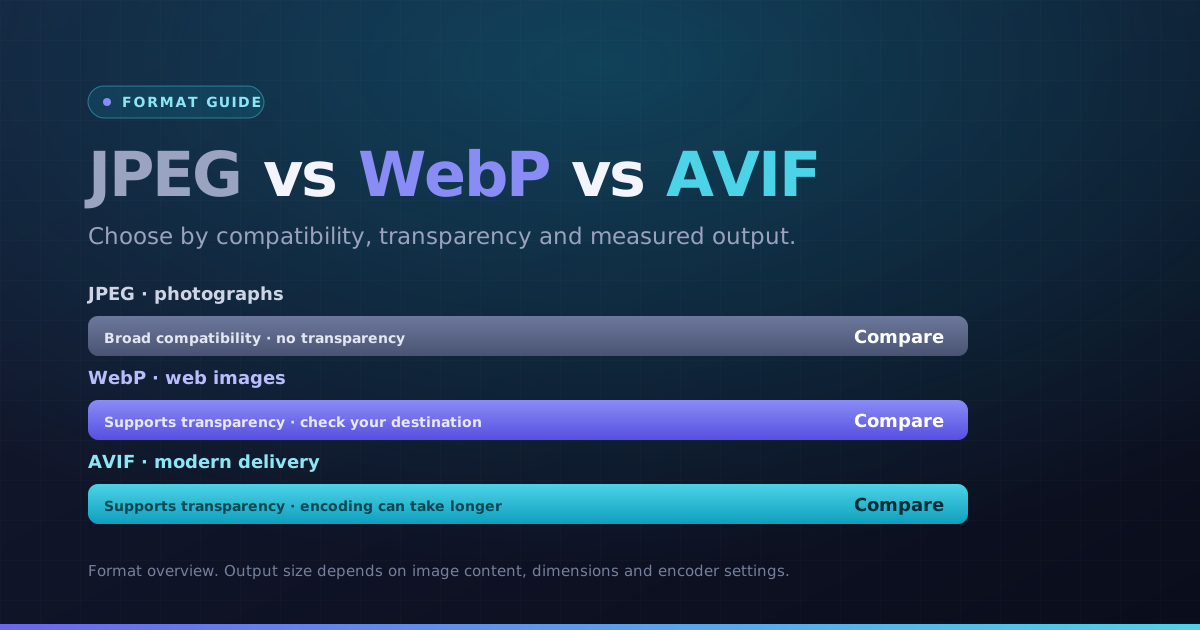
AVIF supports transparency and can produce smaller files for some PNG images. Compare actual file size, sharp edges and gradients; a smaller result is not guaranteed for every source or quality setting.
Our PNG to AVIF converter processes graphics locally in your browser, preserving crisp transparent contours while dramatically shrinking byte counts.
How PNG to AVIF Conversion Works in Your Browser
The engine encodes RGB and alpha transparency layers using AV1 intra-frame compression algorithms. Fine-tune quality sliders to strike the perfect balance between minimal bytes and pristine transparency.
Batch convert your PNG asset collections locally and export them all in a clean ZIP archive.
How to Convert PNG to AVIF Online in 4 Steps
- 1Choose your PNG images. One file converts automatically; for a batch, use the Convert button.
- 2Start at the default quality, then lower it if you need fewer bytes. Inspect detail after each change.
- 3Open the preview and check dimensions, orientation and any transparent edges.
- 4Download an AVIF result, or use the ZIP button when multiple results are ready.
A gradient with transparent margins
Check subtle color transitions and transparent edges after encoding. Smaller output is not guaranteed, and this quality-based export is not a promise of pixel-identical conversion.
Choose the next step
Use a separate tool if you need to change pixel dimensions, meet a specific file-size limit or choose another format.
Key Benefits
- AVIF output selected for this conversion
- Readable output previews and pixel dimensions
- Individual results and batch ZIP downloads
- Local processing with per-file error messages