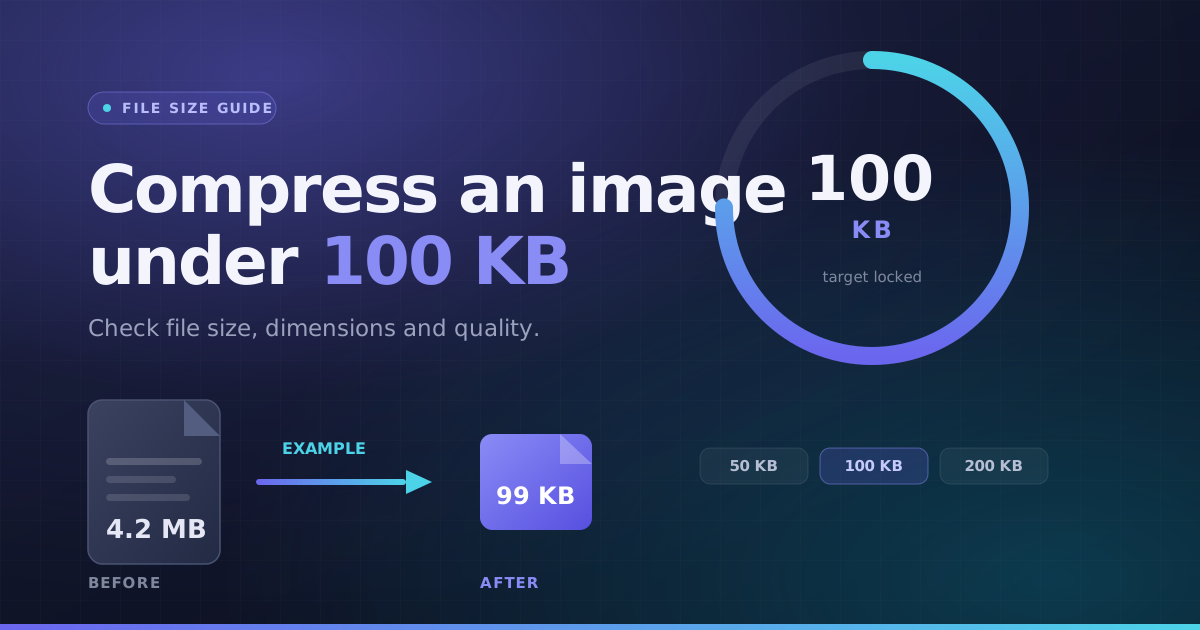
Compress Image to Target Size (Meet Strict KB Upload Ceilings)
Government exam portals, visa applications, passport forms, and job application websites frequently enforce strict maximum file size limits (such as compress image to 100kb, 50kb, or 200kb). If your file is even 1 KB over the limit, your submission is rejected.
Choose a maximum file size and the tool searches quality settings and, if needed, smaller dimensions. Some combinations cannot be reached; the result reports the actual bytes and warns when it remains above your chosen limit.
How Target KB Size Compression Works (Adaptive Binary Search)
Choose a preset such as 100 KB, 50 KB or 200 KB, or enter a custom ceiling. Here 1 KB means 1,000 bytes. The engine searches quality and dimensions, then reports actual output bytes; a target-not-reached warning means the result is still too large.
If quality reduction alone is insufficient to hit the target KB ceiling, dimension scaling is applied smoothly. Verify the resulting pixel dimensions and byte count before downloading your compliant image.
How to Compress an Image to 100KB or Under for Portal Uploads
- 1Choose an image and enter the target size, such as 100 KB.
- 2Select an output format the destination accepts.
- 3Run compression, then check the fits-target status and output dimensions.
- 4Preview the result for readable text and facial detail before downloading.
Example: a 100 KB cap and a 600 × 600 requirement
A small file at 480 × 480 does not satisfy a form that requires 600 × 600. Check the output dimensions as well as the size status. If the combination cannot fit at acceptable quality, use a simpler or better source photo.
When the upload still fails
Confirm the file is really in the required format, check whether KB means 1,000 or 1,024 bytes, and inspect the width/height rules. Do not rename a PNG to .jpg.
Key Benefits
- Custom KB limit with common size presets
- Actual output size and fits-target status
- Quality search with dimension reduction when needed
- Local processing without replacing the original