Why Convert JPG to AVIF? (Compare Modern Image Compression)
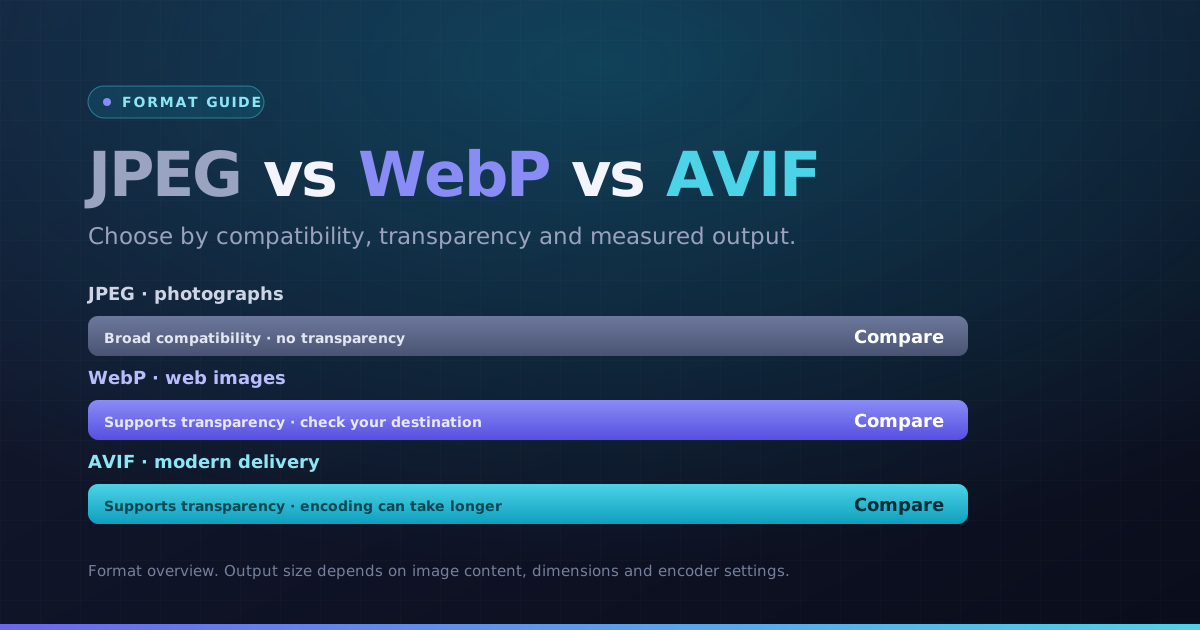
AVIF uses image coding based on AV1. A JPG-to-AVIF conversion can be smaller, but encoding time, file size and detail depend on the source and quality setting. Compare the output and check that your destination supports AVIF.
Modern web browsers (Chrome, Firefox, Safari, Edge) fully support AVIF. Use our JPG to AVIF converter to supercharge your site speed, reduce CDN bandwidth costs, and achieve top performance scores.
How JPG to AVIF Conversion Works (Next-Gen AV1 Codec)
Our client-side WebAssembly converter re-encodes your JPEG images into high-efficiency AVIF containers using advanced chroma subsampling and directional transform filters. Choose your compression level and preview results side-by-side.
Convert entire folders of JPEG images in one batch with complete security and download your AVIF files in a single ZIP.
How to Convert JPG to AVIF Online in 4 Steps
- 1Choose your JPG images. One file converts automatically; for a batch, use the Convert button.
- 2Start at the default quality, then lower it if you need fewer bytes. Inspect detail after each change.
- 3Open the preview and check dimensions, orientation and any transparent edges.
- 4Download an AVIF result, or use the ZIP button when multiple results are ready.
A detailed photograph for a landing page
Inspect gradients, skin tones and textures at the intended display size. AVIF encoding may take longer than JPEG or WebP, particularly on a phone.
Choose the next step
Use a separate tool if you need to change pixel dimensions, meet a specific file-size limit or choose another format.
Key Benefits
- AVIF output selected for this conversion
- Readable output previews and pixel dimensions
- Individual results and batch ZIP downloads
- Local processing with per-file error messages