Why Convert WebP to JPG? (Universal Compatibility for Apps & Forms)
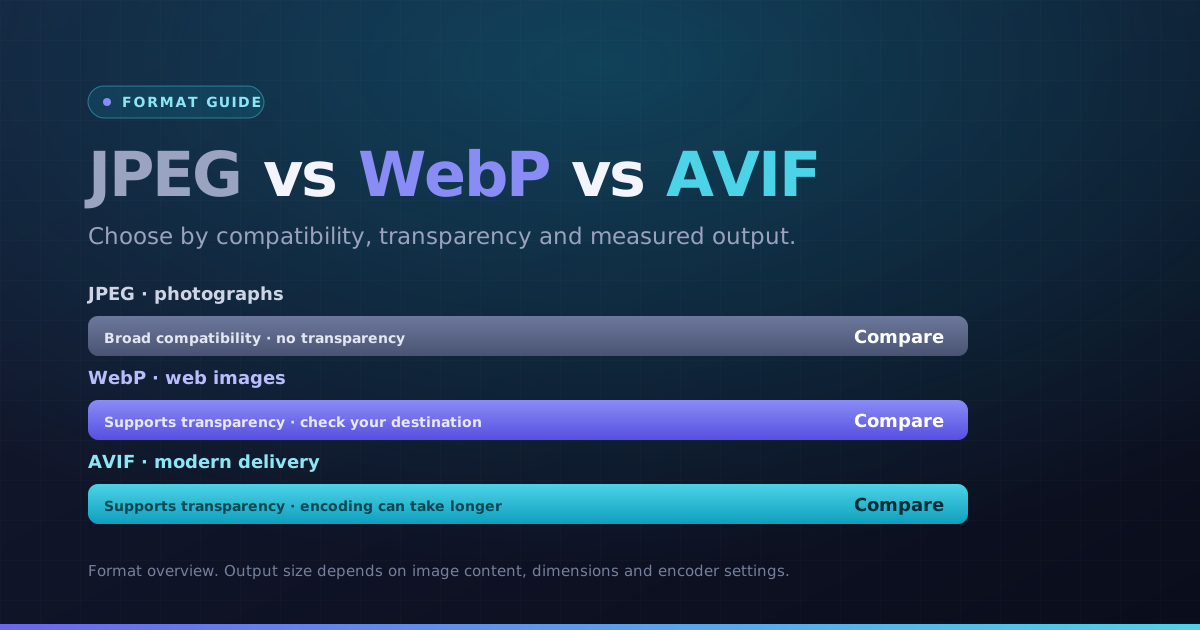
While WebP is excellent for web browsing, many older image viewers, office software, and upload portals do not support WebP files. Our WebP to JPG converter transforms WebP downloads into universally readable JPEG photos in seconds.
Convert WebP to JPG free online without registration, file size caps, or watermarks. Ensure your images open effortlessly across Windows, macOS, iOS, and Android.
How WebP to JPG Conversion Works (Handling Alpha Channels)
Because JPEG does not support alpha transparency, our WebP to JPG converter seamlessly blends any transparent pixels against a clean background, preventing dark borders or corrupted pixels.
Adjust your preferred JPEG quality level, inspect the converted preview, and download single JPEGs or bulk ZIP archives with complete client-side security.
How to Convert WebP to JPG Online in 4 Steps
- 1Choose your WebP images. One file converts automatically; for a batch, use the Convert button.
- 2Start at the default quality, then lower it if you need fewer bytes. Inspect detail after each change.
- 3Open the preview and check dimensions, orientation and any transparent edges.
- 4Download a JPG result, or use the ZIP button when multiple results are ready.
A transparent WebP product image
JPEG cannot store transparency. This converter fills transparent areas with white. Use PNG instead when a cutout must keep a transparent background.
Choose the next step
Use a separate tool if you need to change pixel dimensions, meet a specific file-size limit or choose another format.
Key Benefits
- JPG output selected for this conversion
- Readable output previews and pixel dimensions
- Individual results and batch ZIP downloads
- Local processing with per-file error messages