Why Use an Image Compressor? (Balance File Size and Quality)
Large image files slow down website loading speeds, fail email attachment limits, and consume excessive mobile bandwidth. Our browser-based image compressor lets you reduce image file size for JPG, PNG, WebP, and AVIF photos while preserving perceptual image quality.
Use our online image compressor online to compress photos quickly and privately.
Process images on your device for portfolios, product listings or blog graphics. Compare the output before downloading: savings depend on the source, format and settings, and an already optimized image may be kept unchanged.
How Image Compression Works (Lossy vs Lossless Encoding)
Image compression reduces bytes by stripping redundant metadata (such as EXIF camera tags) and applying intelligent lossy or lossless compression algorithms. Use the interactive comparison slider to inspect fine textures and sharp edges before downloading.
Select your desired output format and quality level to find the ideal balance between file weight and sharpness. Download your optimized image immediately with zero server latency.
How to Compress an Image Online in 3 Easy Steps
- 1Choose a supported image; single-image processing starts automatically.
- 2Choose the output format and quality setting.
- 3Compare the before/after view and actual output bytes.
- 4Download the result if the size and visual quality suit your task.
Compare three image types before choosing settings
For a photo, inspect fine texture. For a screenshot, read the smallest text. For a logo, inspect the edges and transparency. A useful setting is one that works for the intended display size, not simply the lowest byte count.
Choose a more specific task
Use a dedicated page when your requirement is a byte ceiling, a folder of files or a precise pixel size.
Key Benefits
- Quality and output-format controls
- Before/after visual comparison
- Actual size change and original-file fallback
- Local photo processing
Frequently Asked Questions
Read the full guide
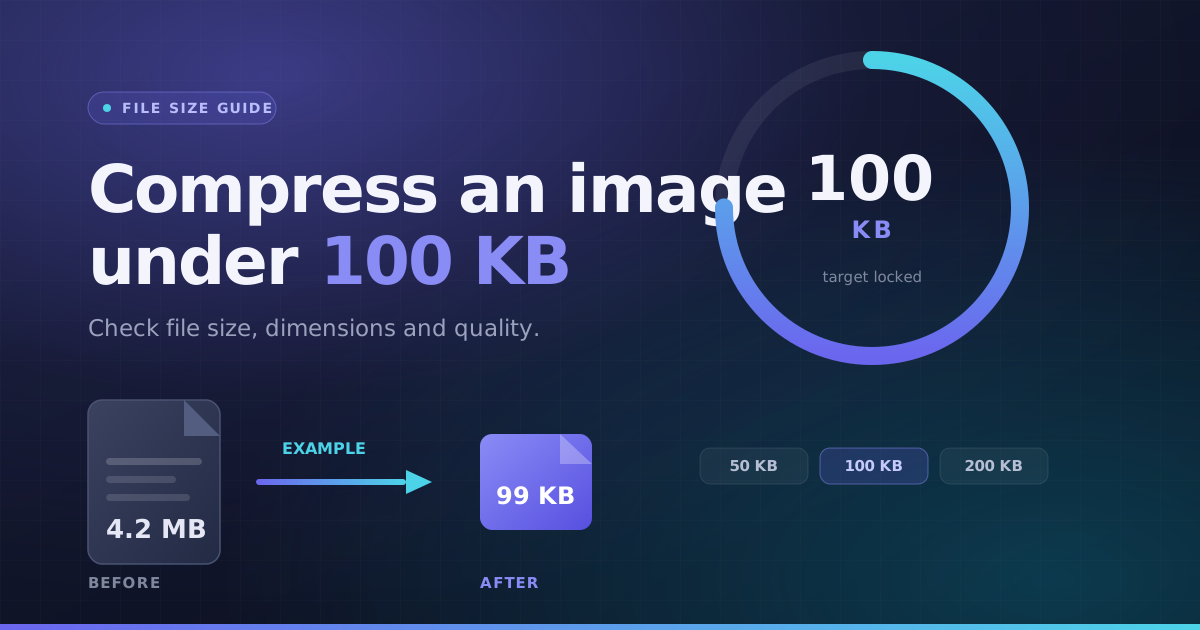 File Size · 3 min readHow to Compress an Image Under 100KBA practical way to handle a photo-size limit: check the full requirements, choose a suitable format, then inspect the actual output instead of guessing.Updated October 8, 2026
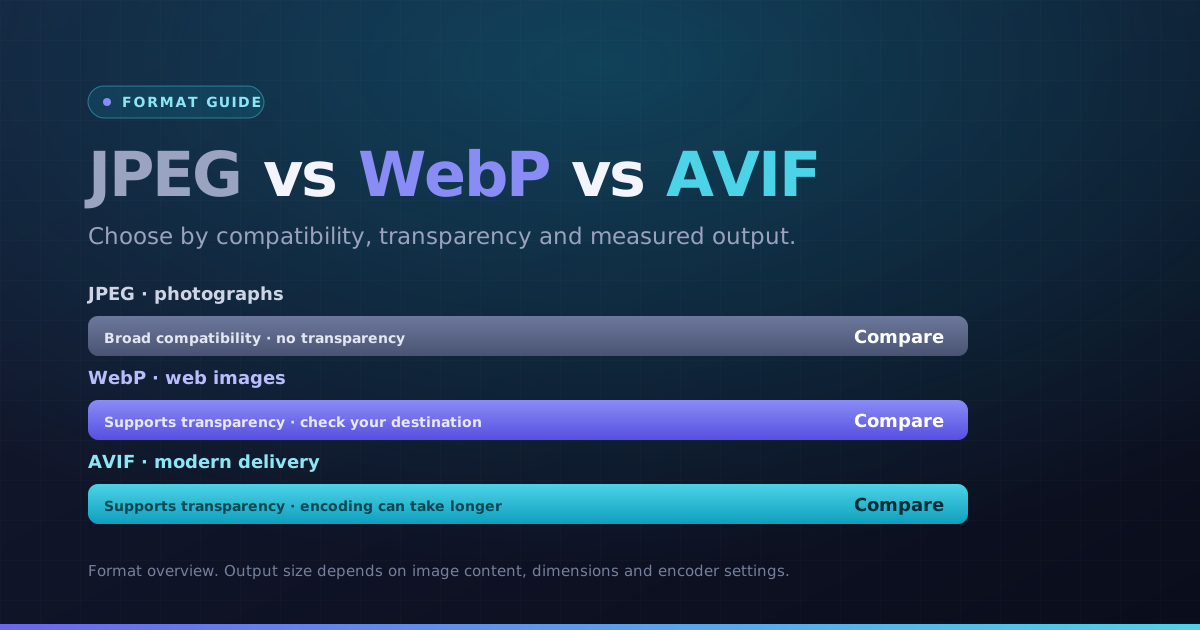 Formats · 3 min readWebP vs AVIF vs JPEG: Choose by Image and DestinationChoose a format for the actual photo, graphic and destination. Compare bytes and visible detail instead of assuming the newest format always wins.Updated October 8, 2026