Why Use an AVIF Compressor? (High-Efficiency AV1 Image Encoding)
AVIF is a modern image format that can offer smaller files for some images and quality settings. Results and encoding time vary, so compare the actual bytes and detail rather than assuming a fixed saving over JPEG or WebP.
Use the result only if it suits your website or destination. This canvas-based tool does not promise to retain HDR or the source bit depth, and a smaller image alone does not guarantee a particular PageSpeed score.
How AVIF Compression Works (Chroma Subsampling & AV1 Compression)
The compressor utilizes client-side WebAssembly (@jsquash/avif) to re-encode images using advanced chroma subsampling (4:2:0 and 4:4:4) and spatial prediction. Fine-tune quality sliders to achieve the smallest possible footprint.
Compare before-and-after image previews to inspect visual clarity on high-DPI displays before exporting your lightweight AVIF files.
How to Compress AVIF Online in 4 Easy Steps
- 1Choose one or more AVIF images. A single image starts automatically; start a batch with the compression button.
- 2Adjust the quality setting and compare the before/after view.
- 3Check the actual bytes and pixel dimensions. If a form has a fixed KB limit, use the target-size tool.
- 4Download your preferred result or a ZIP of successful files.
A practical AVIF comparison
Try a lower setting on a copy of the source. Compare fine textures and smooth gradients. If it is already well optimized, keeping the original can be the better outcome.
Match the tool to the requirement
A quality setting, a pixel width and a KB limit solve different tasks.
Key Benefits
- AVIF output selected
- Before/after image comparison
- Actual file-size changes, including no saving
- Batch results and ZIP downloads
Frequently Asked Questions
Read the full guide
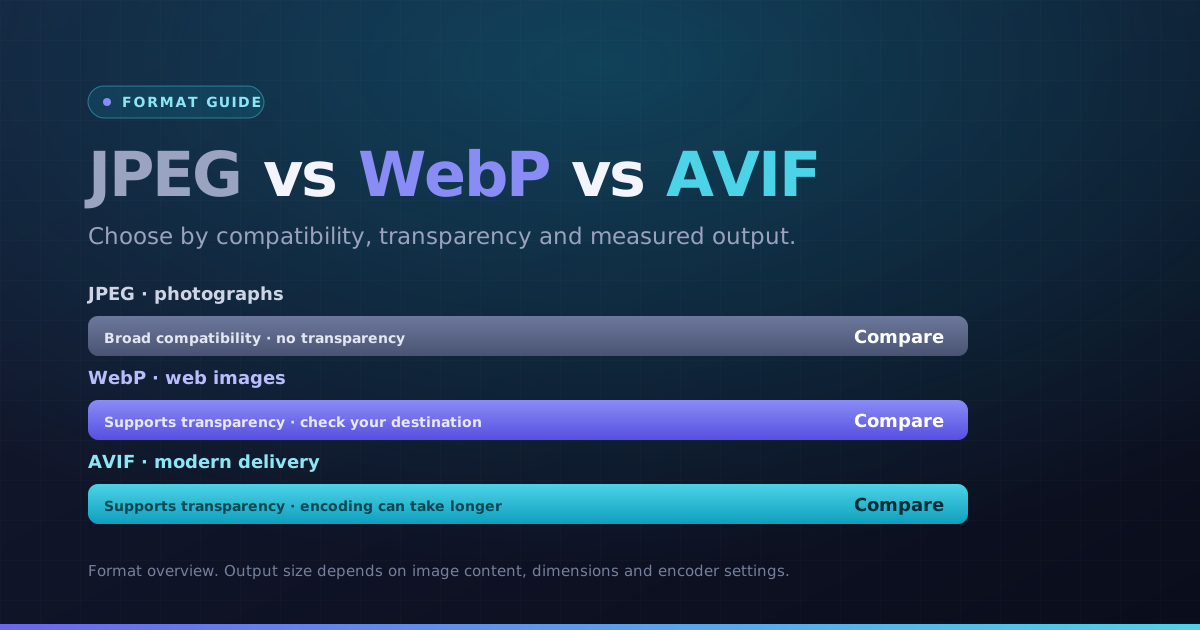 Formats · 3 min readWebP vs AVIF vs JPEG: Choose by Image and DestinationChoose a format for the actual photo, graphic and destination. Compare bytes and visible detail instead of assuming the newest format always wins.Updated October 8, 2026
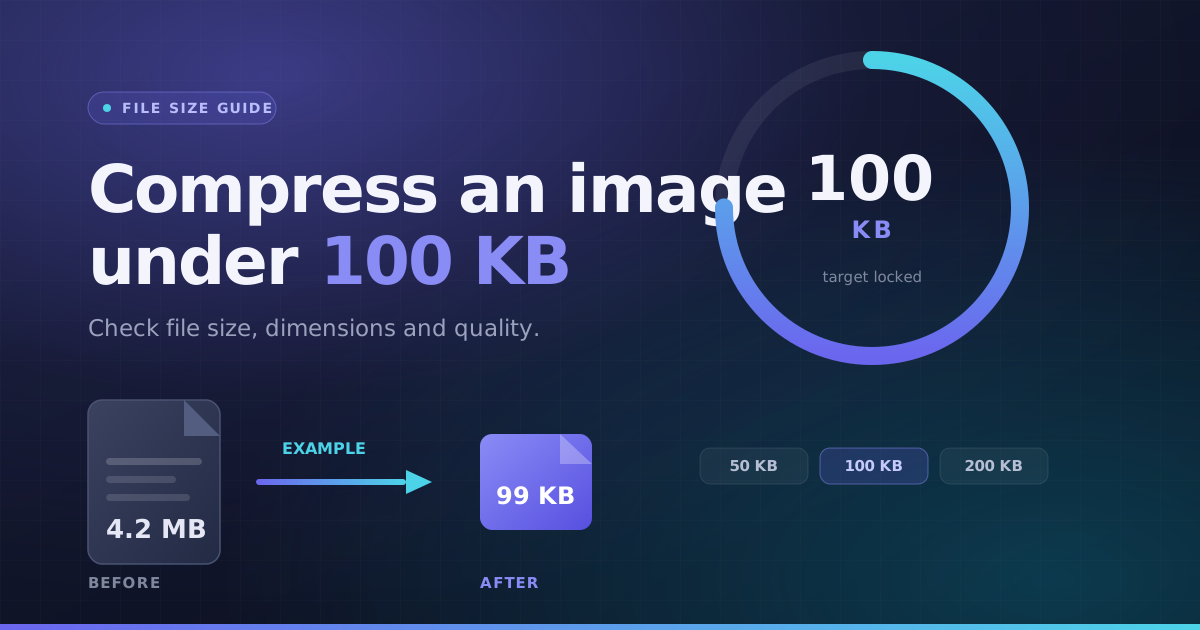 File Size · 3 min readHow to Compress an Image Under 100KBA practical way to handle a photo-size limit: check the full requirements, choose a suitable format, then inspect the actual output instead of guessing.Updated October 8, 2026