Why Use an Image Converter? (Supported Formats: JPG, PNG, WebP, AVIF, HEIC)
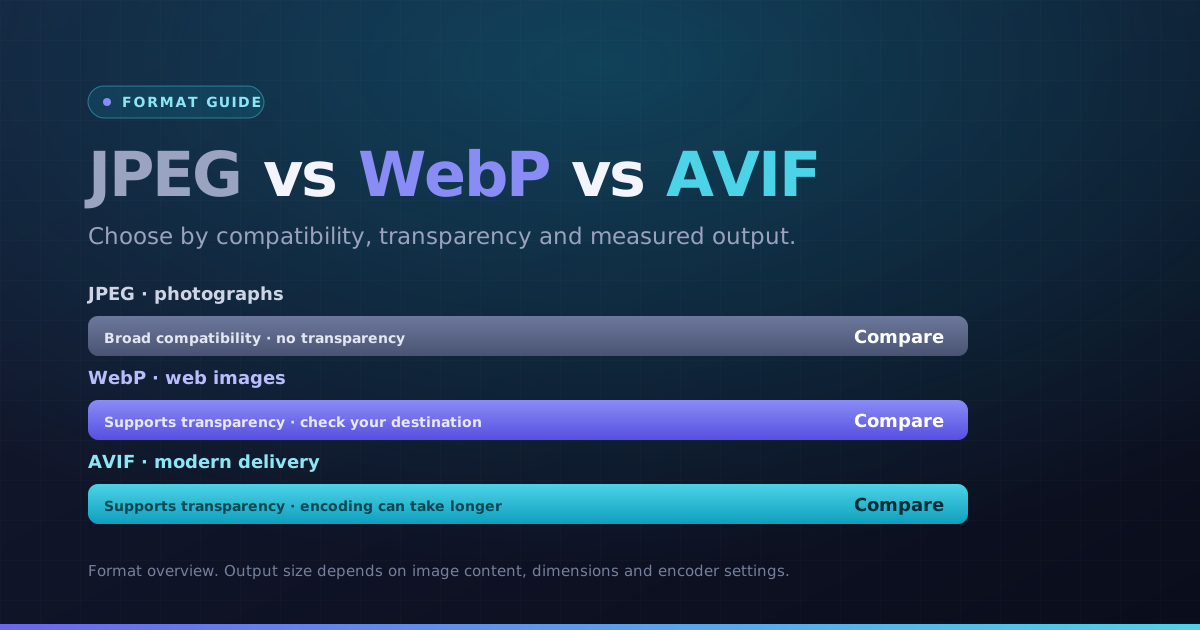
Different platforms and devices require different image file formats. Our versatile image converter enables you to convert image format online between JPG, PNG, WebP, AVIF, and Apple HEIC without installing heavy desktop software.
Whether you need to convert an image for web publication, print submission, or social media sharing, this free image converter processes files locally on your machine for maximum security and speed.
How Image Format Conversion Works in Your Browser
This batch image converter decodes your source files via HTML5 Canvas and native WebAssembly decoders, then encodes them into your chosen target format. You can adjust quality settings and transparency handling before downloading.
Because conversions happen entirely client-side, your confidential photos never leave your device. Download individual converted files or package your entire batch into a clean ZIP archive.
How to Convert Image Formats Online in 3 Steps
- 1Choose one or more supported images.
- 2Select the output format and, where available, quality.
- 3Start the batch or let a single image convert automatically.
- 4Preview the file and download it individually or as a ZIP of successful results.
Common conversions
Choose the exact source-to-target tool when you already know the required format.
Key Benefits
- Four output formats
- HEIC still-image decoding where supported
- Output previews and pixel dimensions
- Batch ZIP export