Why Convert PNG to JPG? (Smaller File Size & Wide Compatibility)
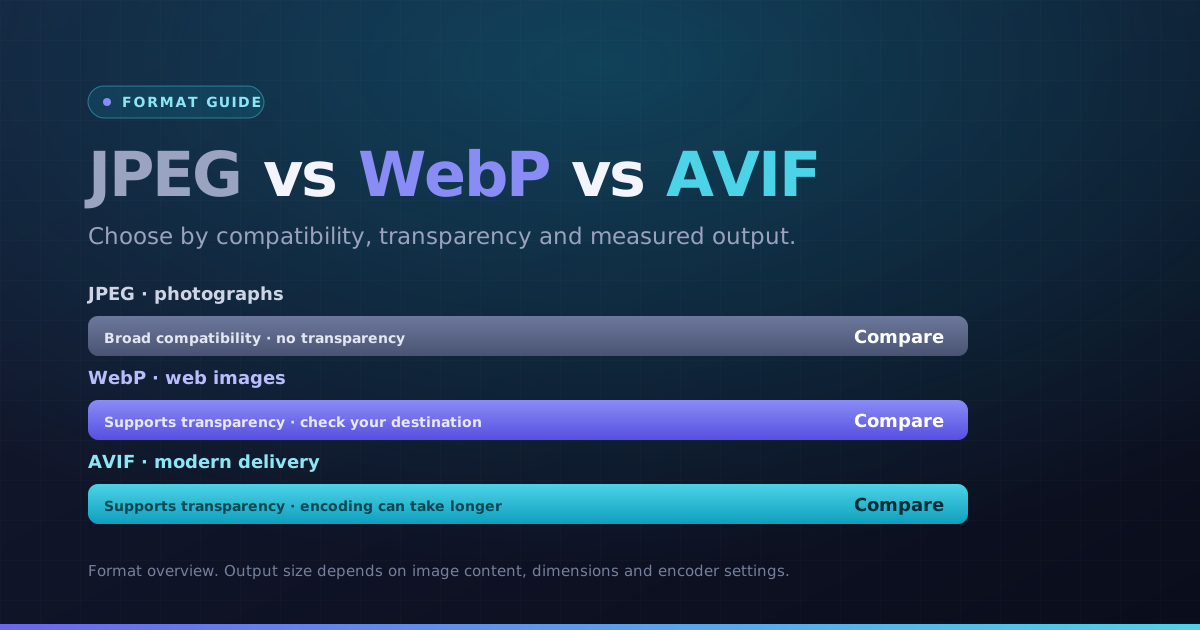
Converting a PNG photo to JPG may reduce its file size, but the saving varies. JPEG can introduce artifacts around screenshot text and line art, and it replaces transparent areas with white in this tool. Compare the result before downloading.
Our PNG to JPG converter processes your images instantly in your browser with zero server uploads, allowing custom compression controls and clean background fills.
How PNG to JPG Conversion Works (Handling Transparent Pixels)
Because the JPEG format does not support alpha transparency, any transparent areas in your PNG are smoothly blended onto a clean background (customizable in your workflow), preventing black background artifacts.
Preview the compression output, select your desired JPEG quality level, and download individual files or a batch ZIP archive.
How to Convert PNG to JPG Online in 4 Steps
- 1Choose your PNG images. One file converts automatically; for a batch, use the Convert button.
- 2Start at the default quality, then lower it if you need fewer bytes. Inspect detail after each change.
- 3Open the preview and check dimensions, orientation and any transparent edges.
- 4Download a JPG result, or use the ZIP button when multiple results are ready.
A transparent PNG on a white background
JPEG has no transparent channel. Transparent and partly transparent pixels are composited onto white, so check whether that background suits the destination.
Choose the next step
Use a separate tool if you need to change pixel dimensions, meet a specific file-size limit or choose another format.
Key Benefits
- JPG output selected for this conversion
- Readable output previews and pixel dimensions
- Individual results and batch ZIP downloads
- Local processing with per-file error messages