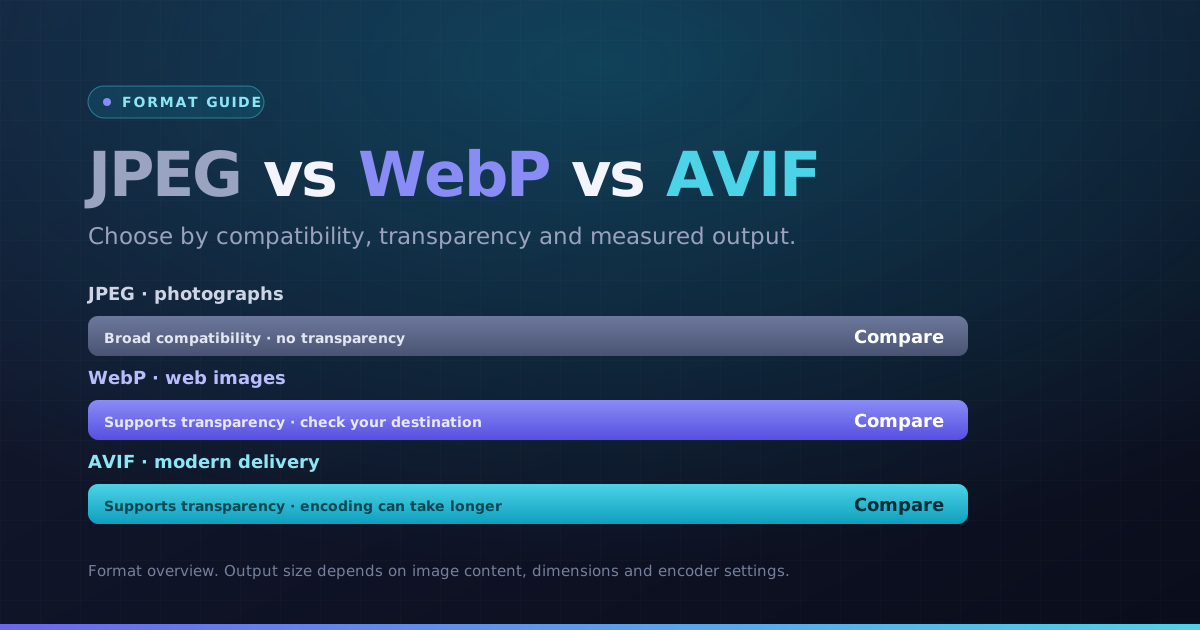
Why Convert JPG to WebP? (Faster Page Speeds & Core Web Vitals)
WebP can reduce a JPEG photo’s file size, depending on its detail, dimensions and selected quality. Convert your image locally, compare the actual bytes and visual result, and keep the format that suits its destination.
Faster image delivery directly boosts your Core Web Vitals, reduces Largest Contentful Paint (LCP) times, and improves search engine ranking potential.
How JPG to WebP Conversion Works in Your Browser
Our JPG to WebP converter processes your images in-browser using efficient WebAssembly encoders. Choose your target quality factor, preview the byte savings in real time, and download your optimized WebP files without watermarks.
Batch conversion is fully supported: drop an entire folder of product photos or blog images and export them all together in a single ZIP archive.
How to Convert JPG to WebP Online in 4 Steps
- 1Choose your JPG images. One file converts automatically; for a batch, use the Convert button.
- 2Start at the default quality, then lower it if you need fewer bytes. Inspect detail after each change.
- 3Open the preview and check dimensions, orientation and any transparent edges.
- 4Download a WebP result, or use the ZIP button when multiple results are ready.
A product photo for a storefront
Keep the displayed width appropriate for the page, inspect fine texture and compare actual bytes. Save the JPEG original for other publishing workflows.
Choose the next step
Use a separate tool if you need to change pixel dimensions, meet a specific file-size limit or choose another format.
Key Benefits
- WebP output selected for this conversion
- Readable output previews and pixel dimensions
- Individual results and batch ZIP downloads
- Local processing with per-file error messages