Why Remove EXIF Data from Photo? (Strip GPS Geolocation & Camera Tags)
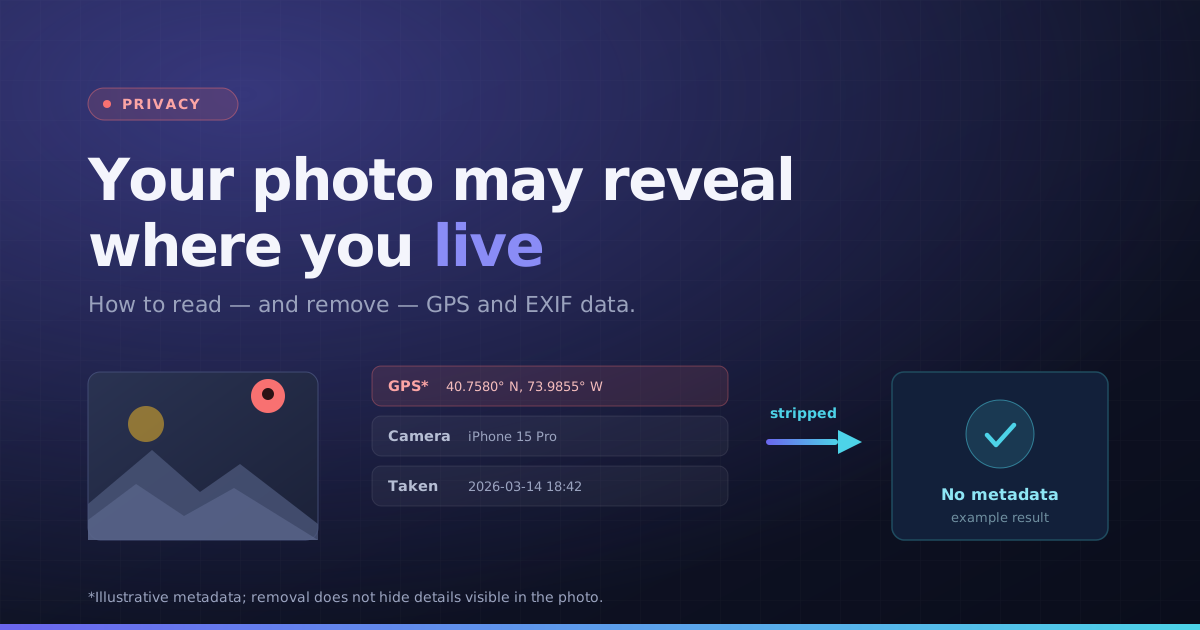
Some camera and smartphone photos contain EXIF tags such as capture time, camera settings and GPS coordinates. Available tags depend on the device, settings and previous edits. GPS coordinates can reveal a location, but not every photo contains location data.
Our remove EXIF data from photo tool inspects all hidden metadata tags and creates a sanitized copy stripped of all GPS, camera, and author information.
How to Remove EXIF Metadata Safely (Clean Re-Encoding)
This online EXIF remover extracts the raw image pixels and re-encodes them into a pristine JPEG or PNG file without copying any metadata blocks (EXIF, IPTC, XMP). Your visual image quality remains unchanged while all tracking data is erased.
Because the EXIF remover operates 100% inside your browser, your sensitive photos and location data never touch an external server. Clean your photos with confidence before posting online.
How to Remove EXIF Data from Photos Online in 3 Steps
- 1Select one supported photo and review the metadata sections.
- 2Check camera, date and GPS information where present.
- 3Choose Remove Metadata to create a re-encoded copy.
- 4Download the clean image, then reopen it in the viewer to check which tags remain.
Use the demo without exposing a personal photo
The demo shows simulated camera and location fields so you can understand the viewer before selecting a file. Demo values are illustrative; they are not measurements of your image.
Privacy checks beyond EXIF
Check for visible identifying details, choose an appropriate filename and inspect the final downloaded copy. A metadata remover cannot guarantee anonymity.
Key Benefits
- Readable camera, date and GPS fields when available
- Local metadata inspection
- Re-encoded image download
- Clear limits on quality and visible identifying details